
Everything Emeron POS does, section by section.
Eight capability areas, real screens from the app, and the detail retail owners actually ask about — from offline checkout to credit ledgers and tax profiles.
Sell when the internet can't.
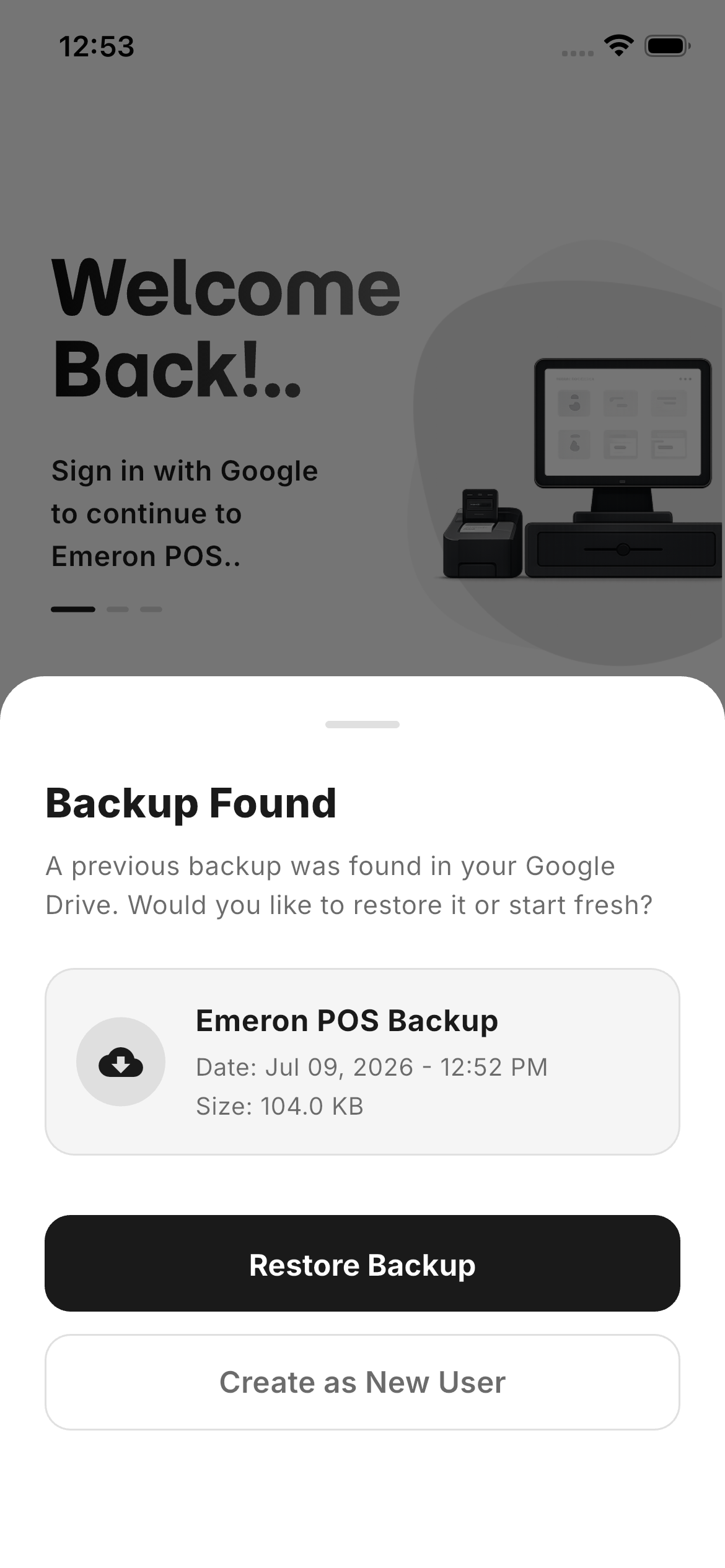
Emeron runs on a local SQLite (Drift) database. Catalogue, prices and sales live on-device, so checkout never waits on a connection — while encrypted backups quietly sync to your own Google Drive.
- Zero internet dependencyEvery read and write is instant, on or offline.
- Encrypted Drive backupsRestore your entire store on a new device in minutes.
- Sub-50ms interactionsBuilt natively in Flutter for a locked 60fps feel.

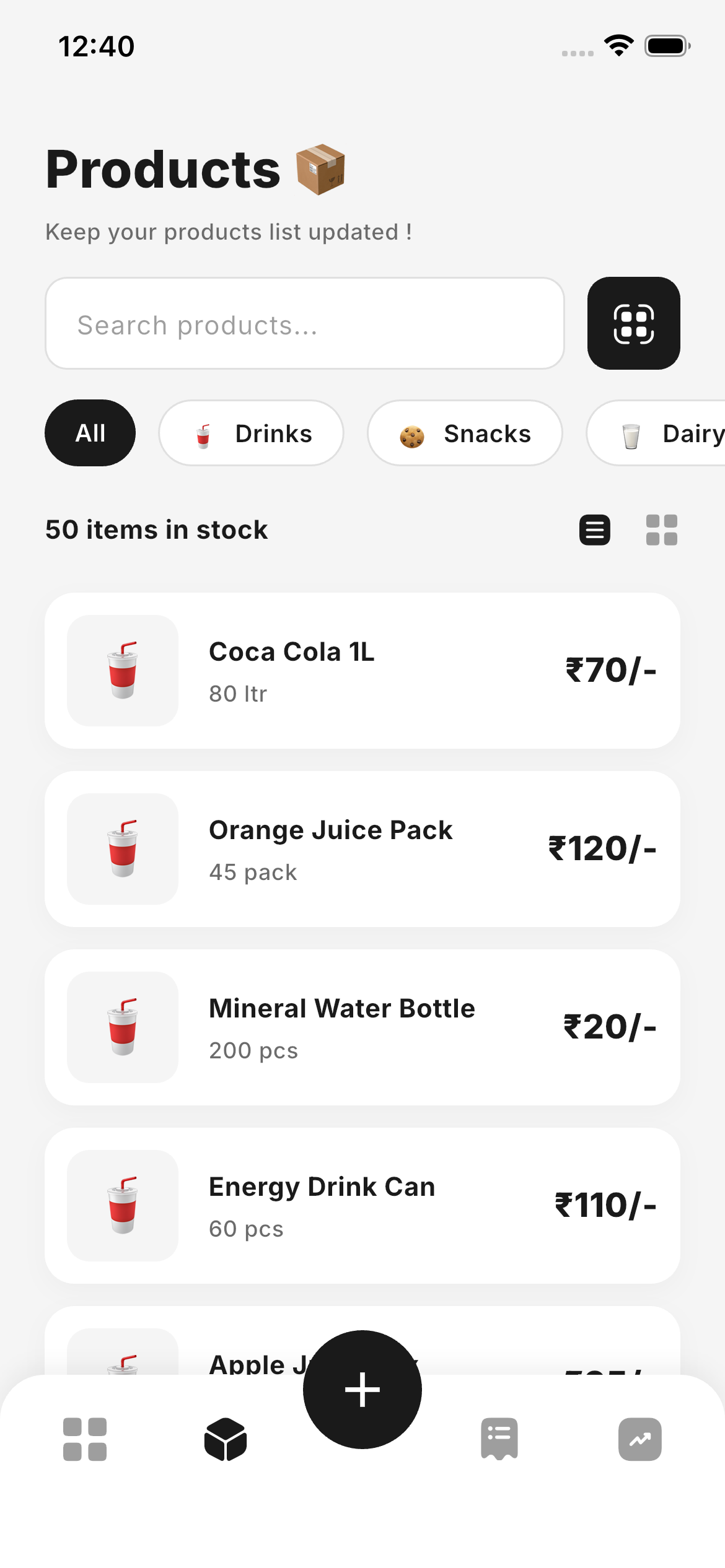
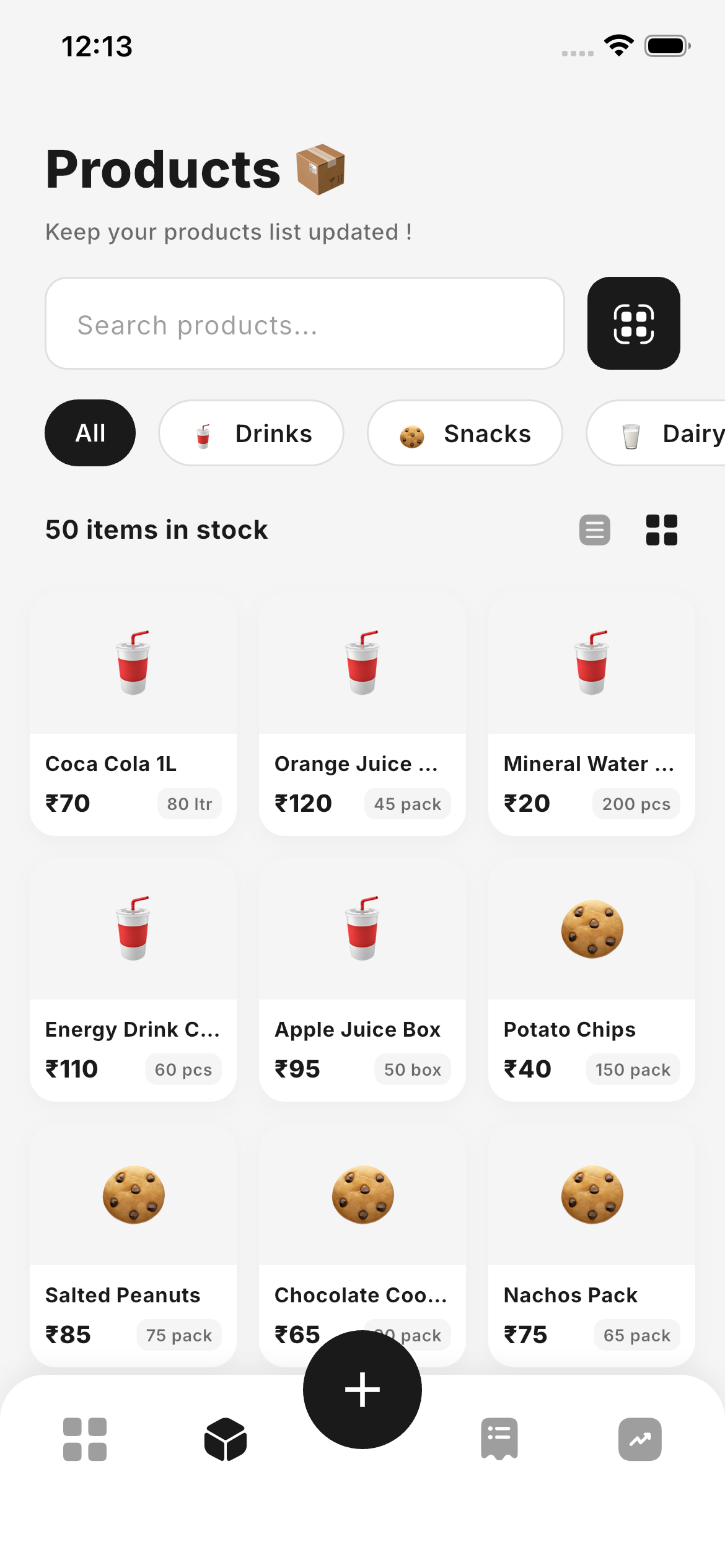
Your whole stockroom, in your pocket.
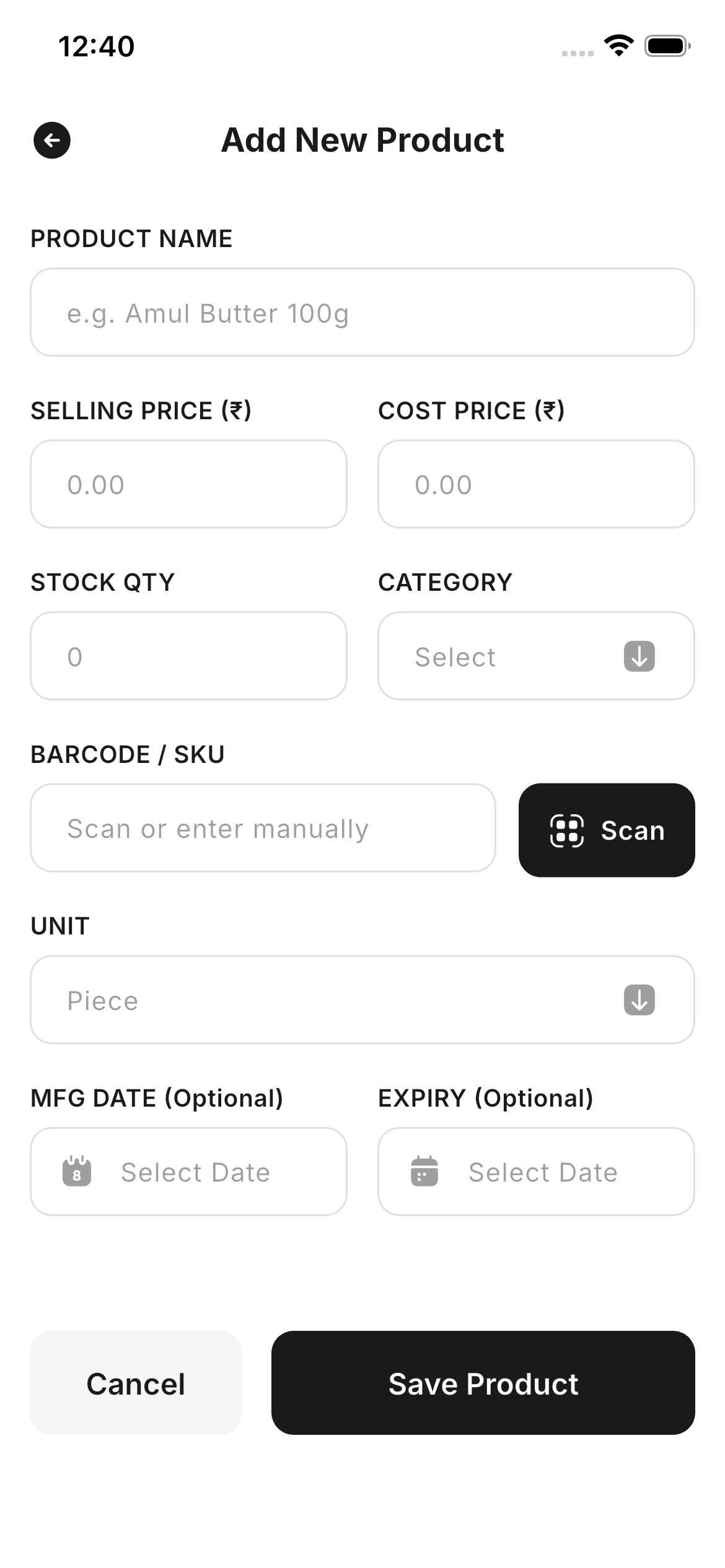
Add, edit and retire products in seconds — barcode, category, pricing and units in stock. Switch between a dense list and a tactile grid, and watch counts change the moment a sale closes.
- Real-time stock countsQuantities adjust on every sale, refund and return.
- Grid & list browsingTwo ways to scan your catalogue, one tap apart.
- Rich product recordsSKU, barcode, category, unit, cost and selling price.
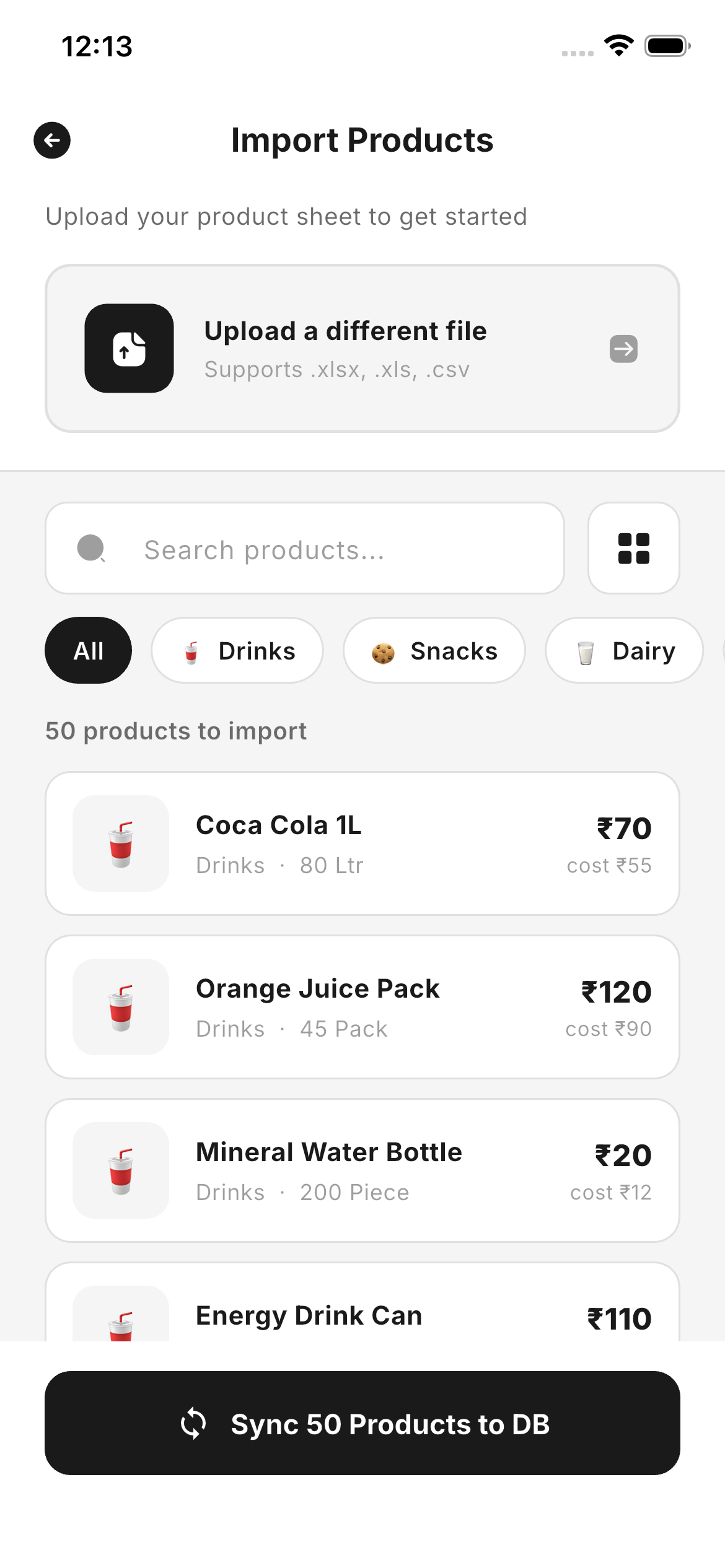
- Bulk CSV importLoad hundreds of products from a single spreadsheet.
Checkout in three taps. Stock updated. Done.
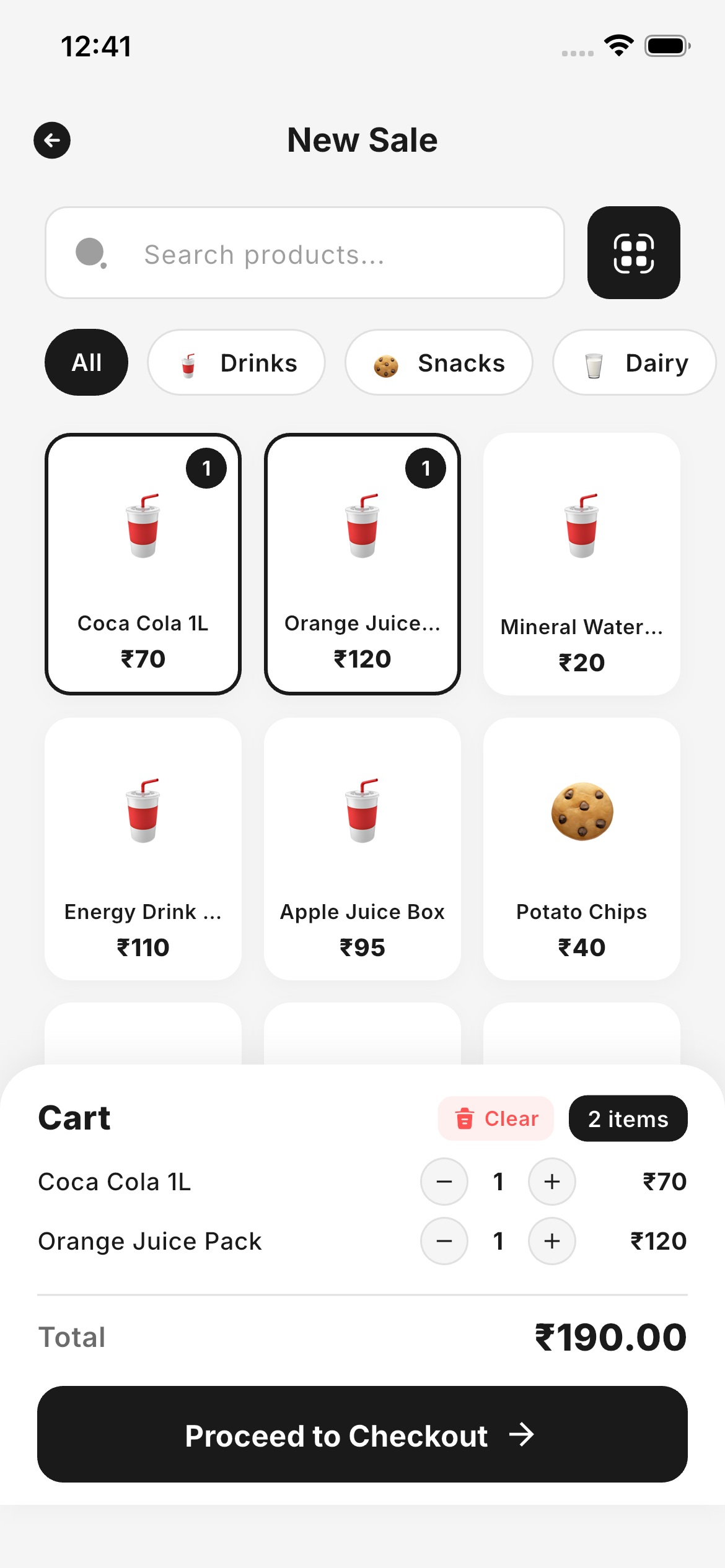
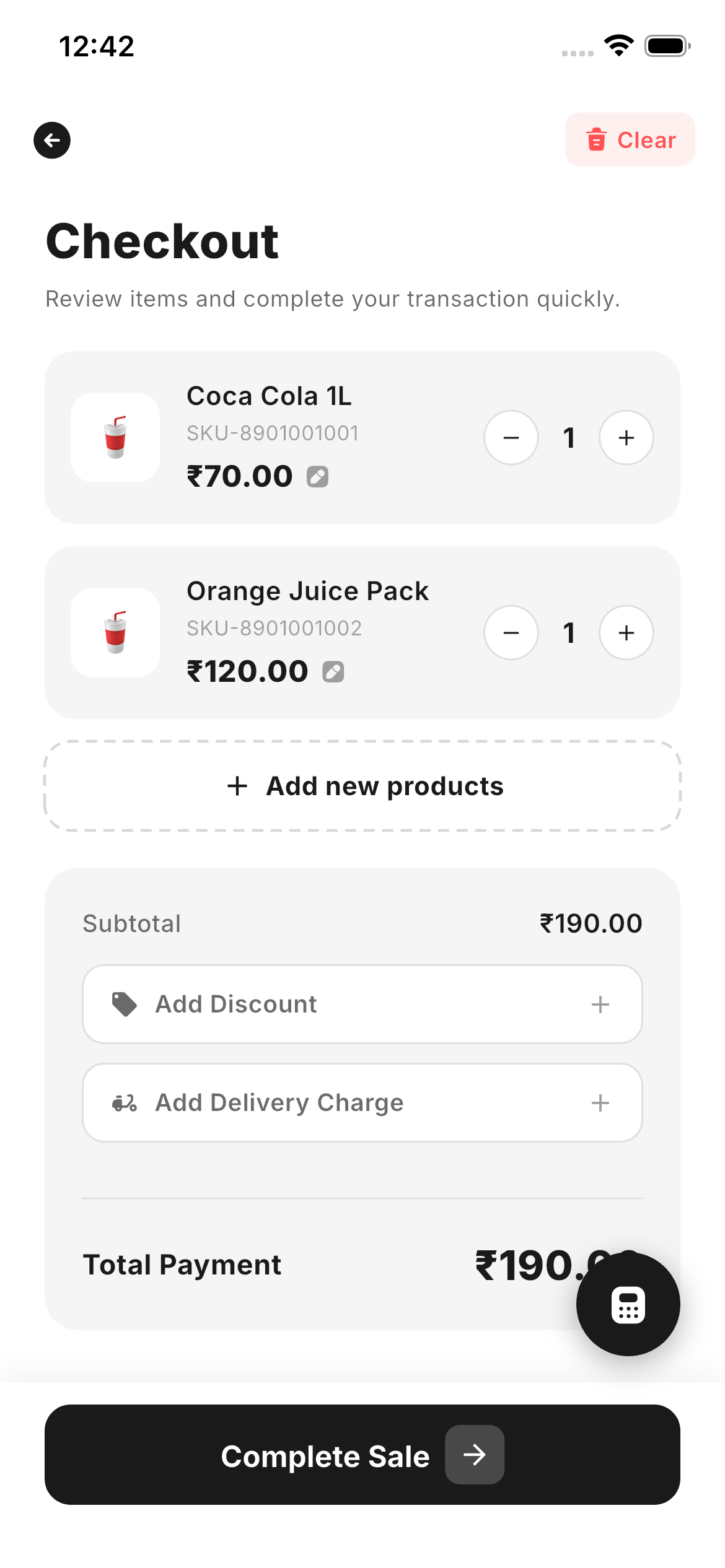
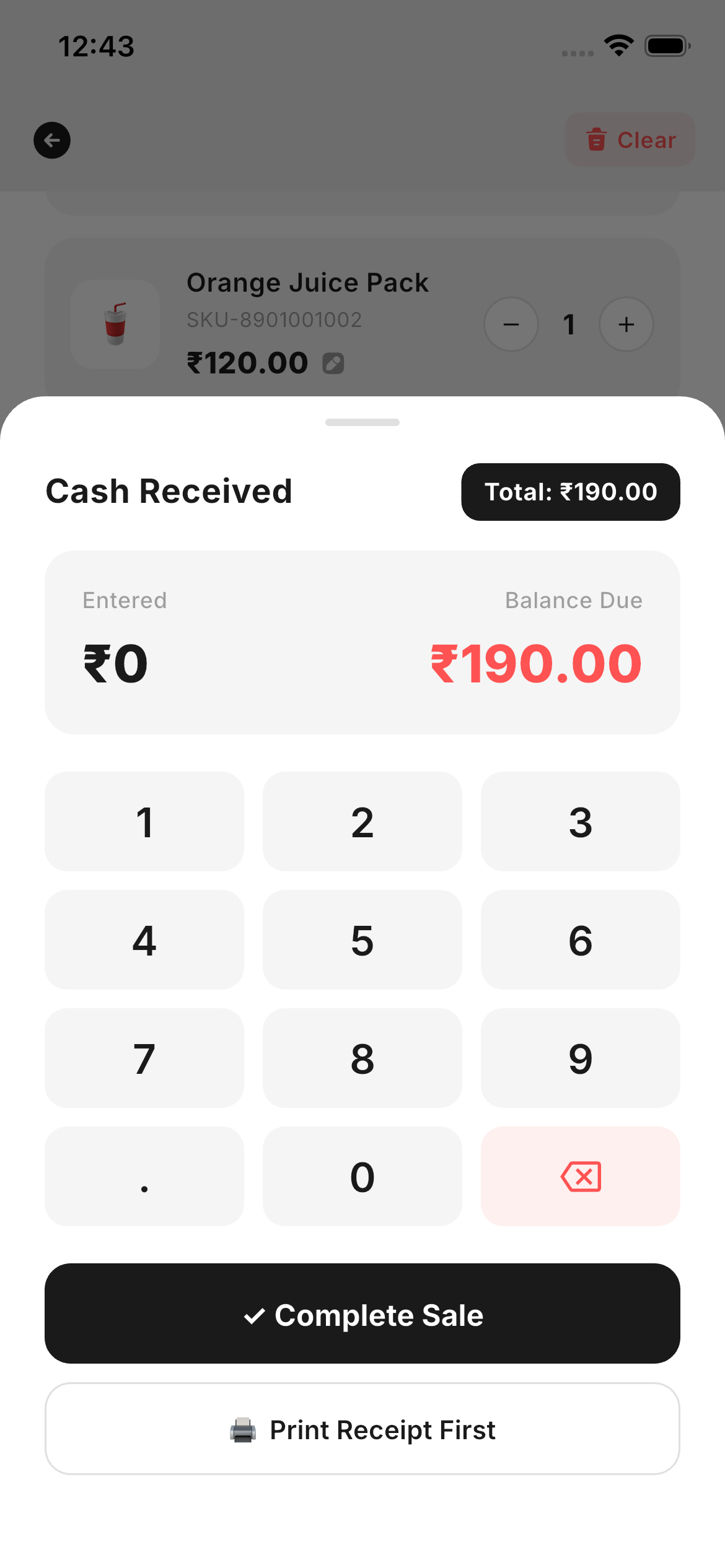
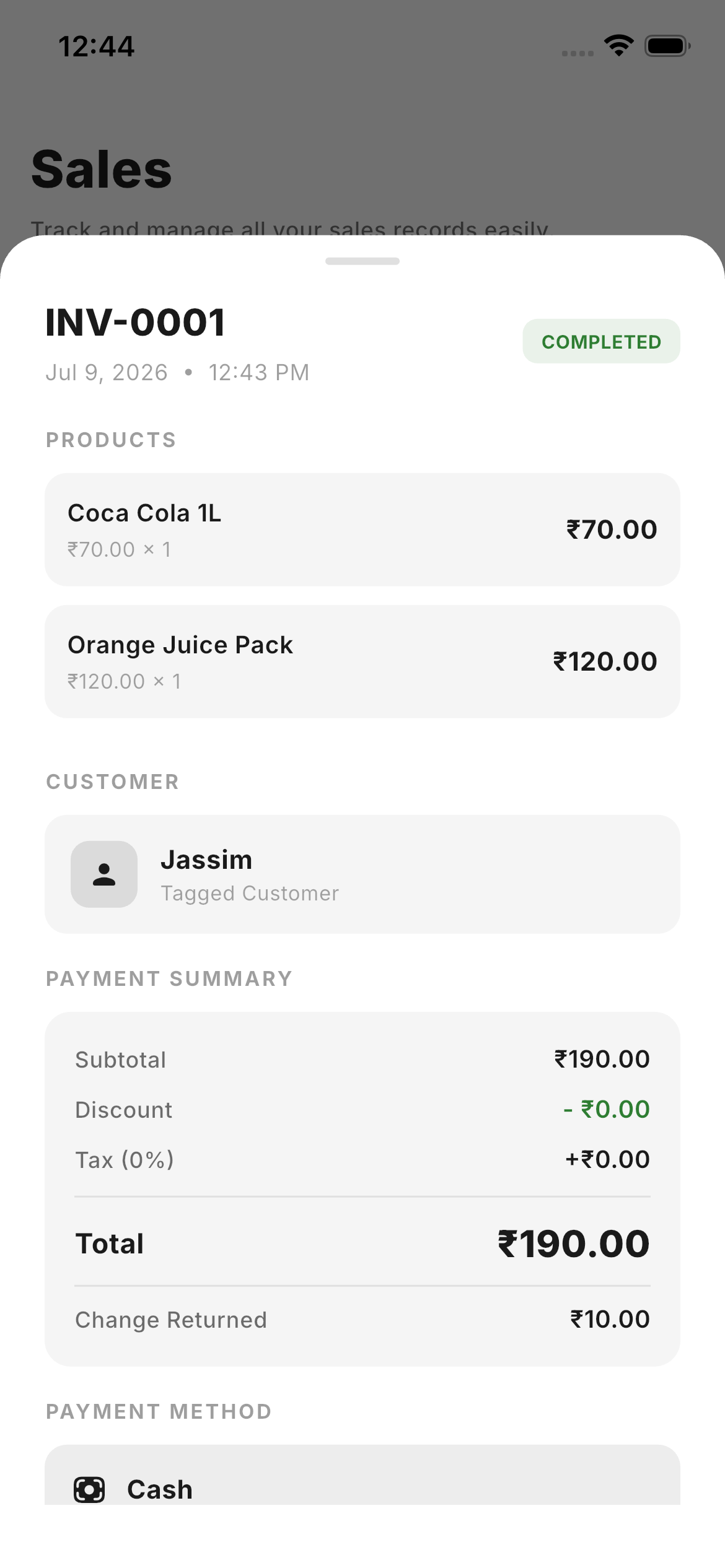
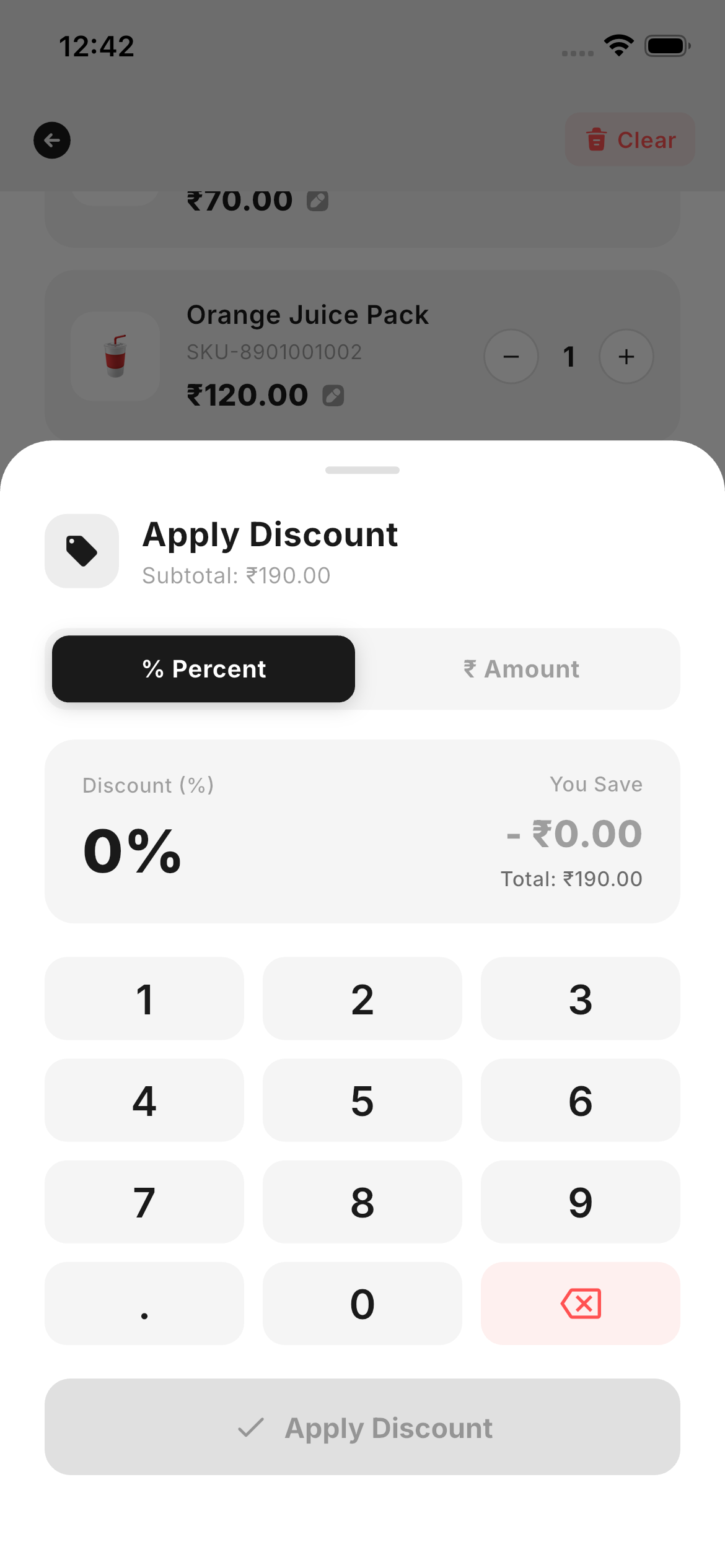
Browse, adjust quantities, apply discounts, add custom tax or delivery charges — then close on Cash, Card or UPI. A built-in cash calculator does the change math and invoice IDs auto-increment.
- Quick cart flowQuantity steppers, live subtotals and customer tagging.
- Cash numpadEnter cash received; change owed appears instantly.
- Auto invoice IDsSequential receipts with real-time inventory deduction.
- Discounts & deliveryItem-level or cart-level discounts plus delivery fees.
Know every customer. Track every rupee.
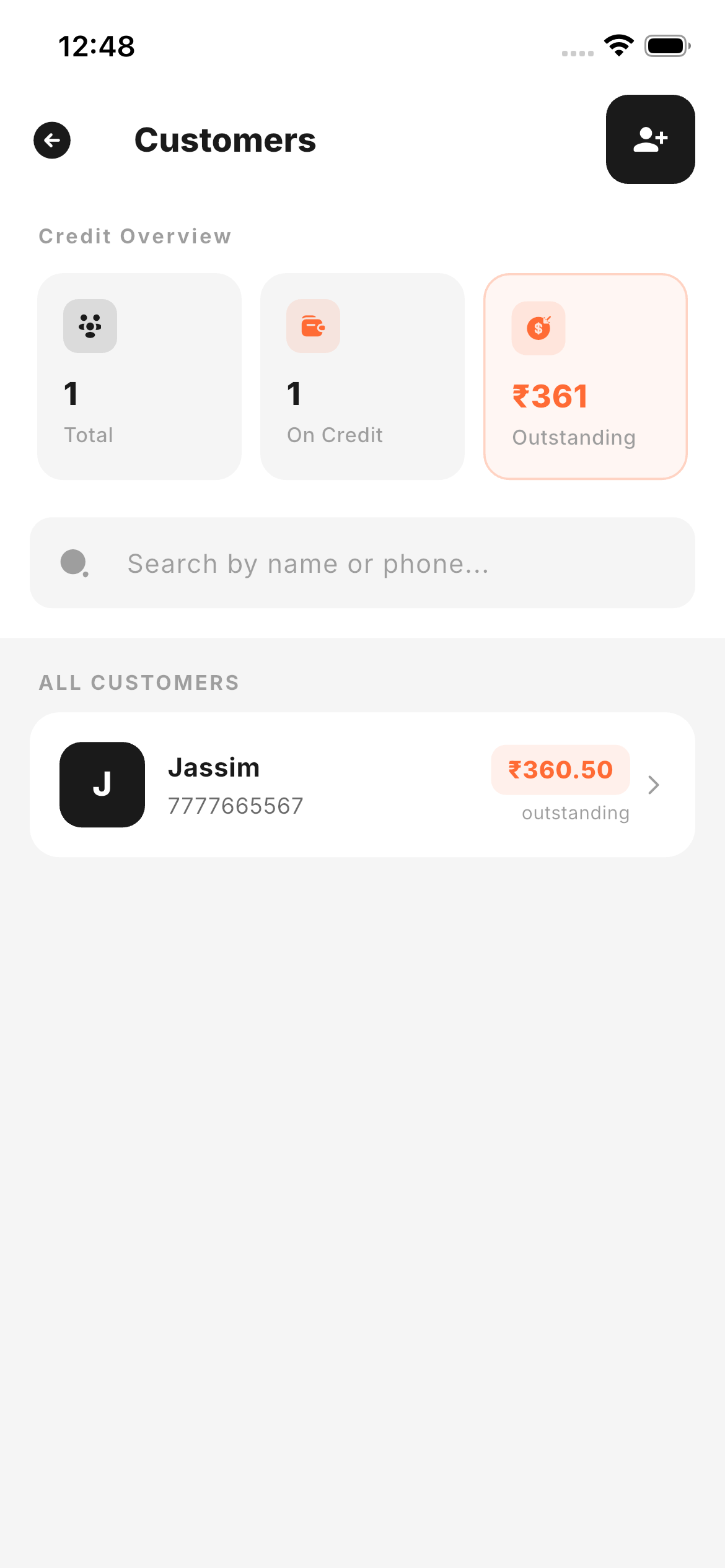
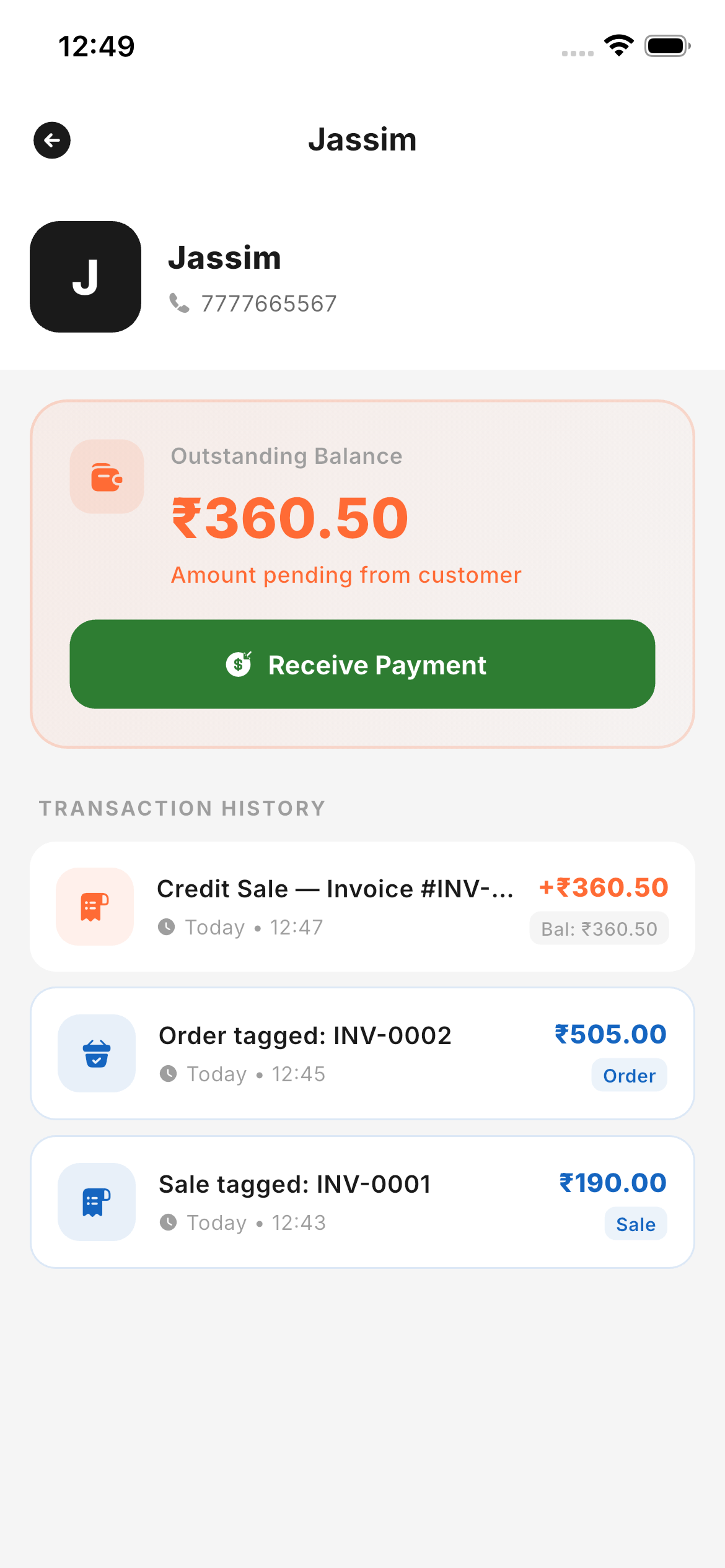
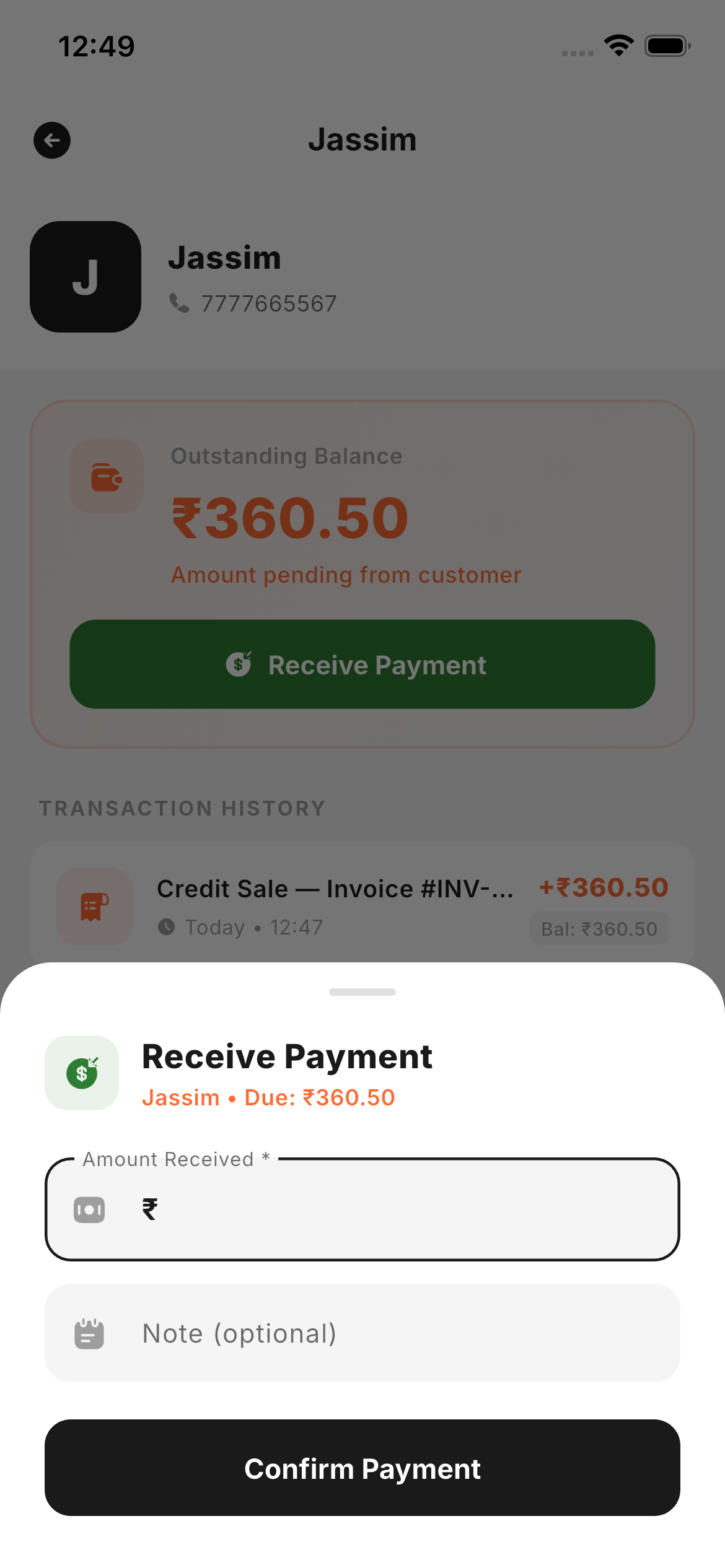
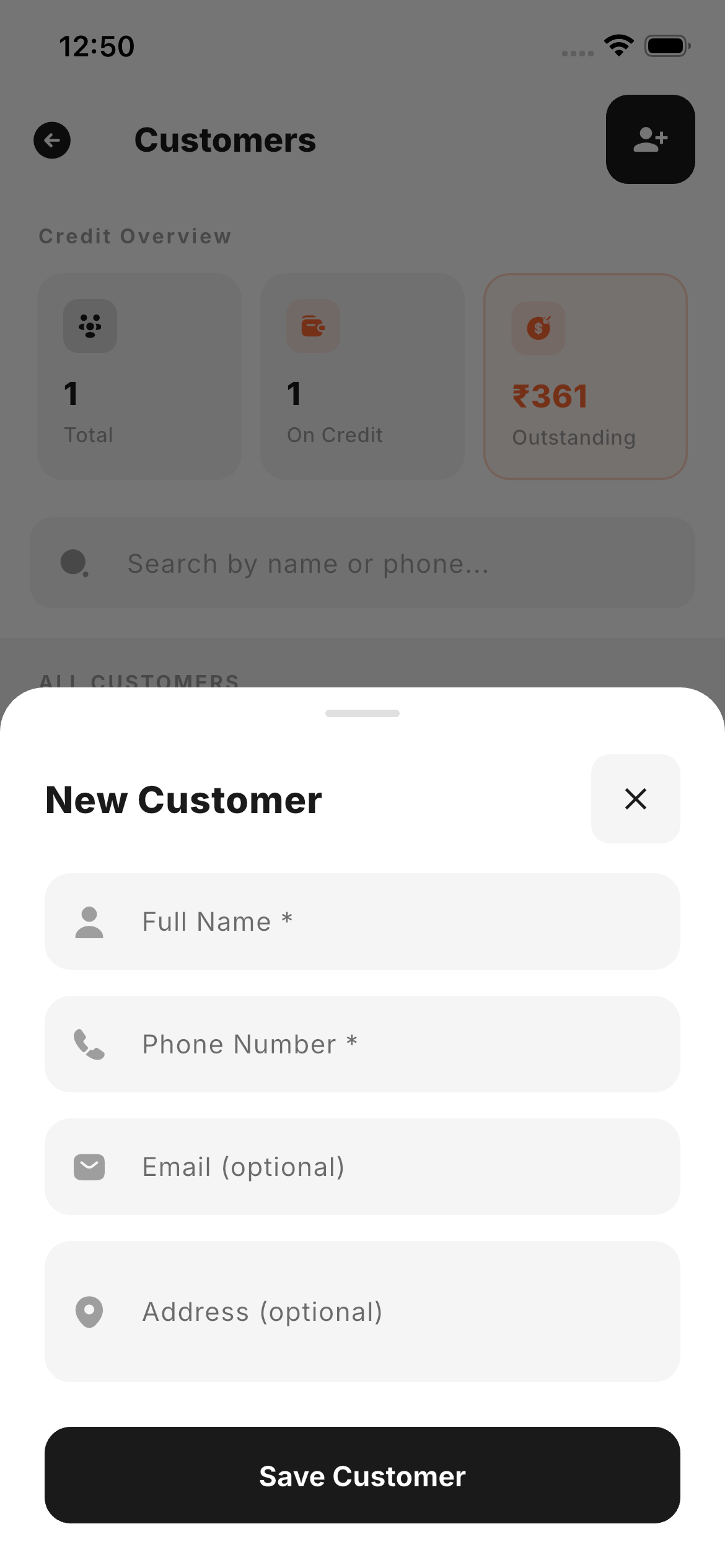
Build a full customer directory with contact details, extend credit, record partial payments and always know the outstanding balance — every transaction is ledger-tracked.
- Customer directoryName, phone and address with full purchase history.
- Credit sales ledgerRecord credit-based sales and monitor outstanding dues.
- Payment collectionLog full or partial repayments against each credit sale.
- Credit detail viewOrders, amounts due and payment history at a glance.
Every rupee, accounted for.
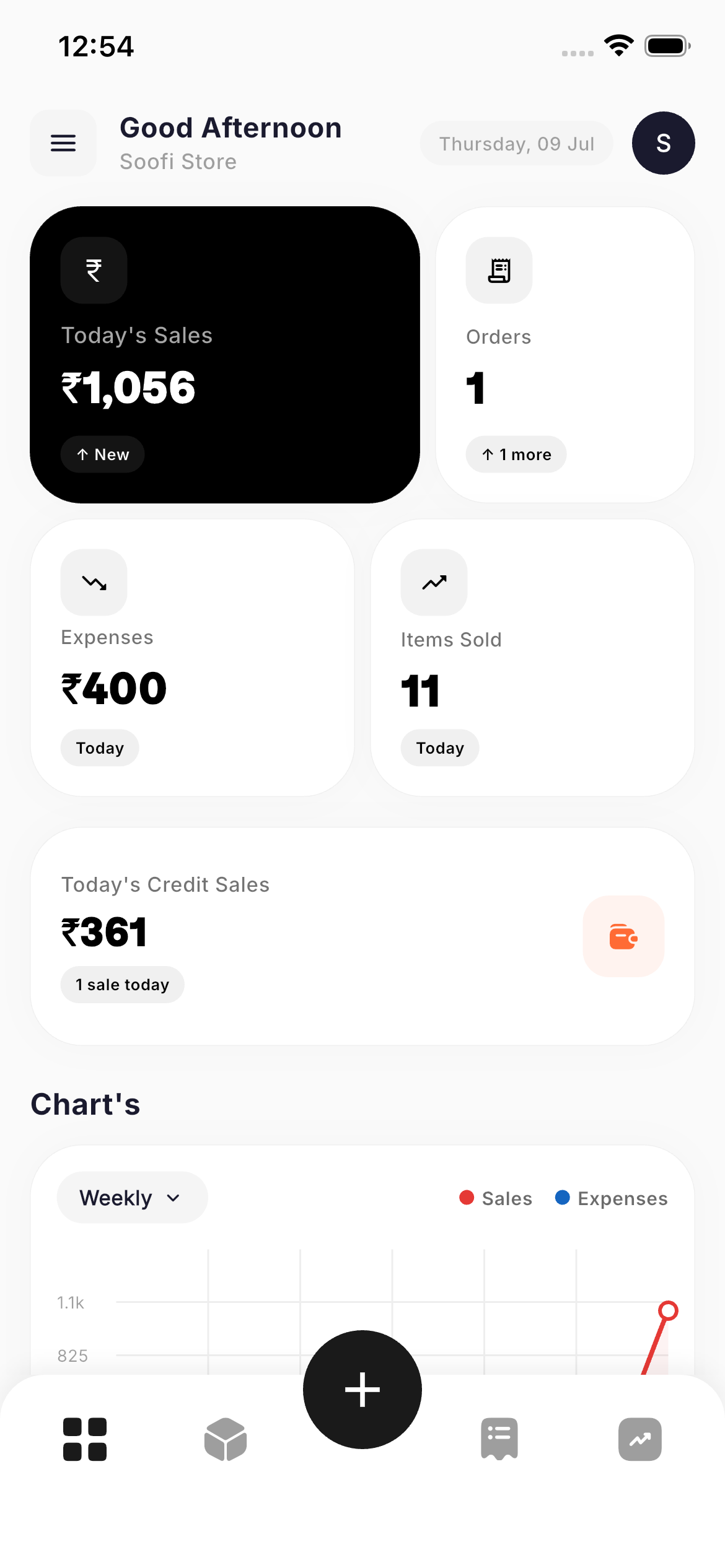
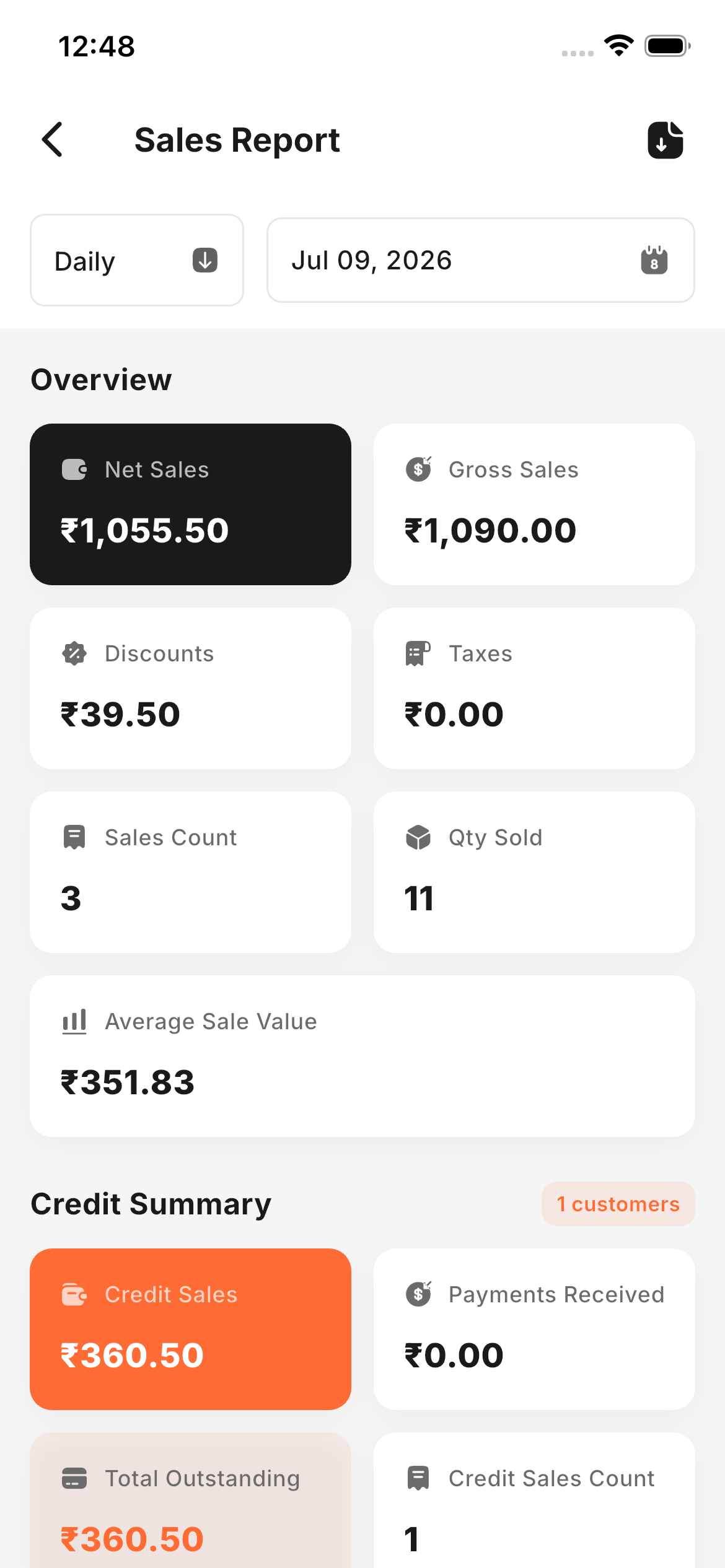
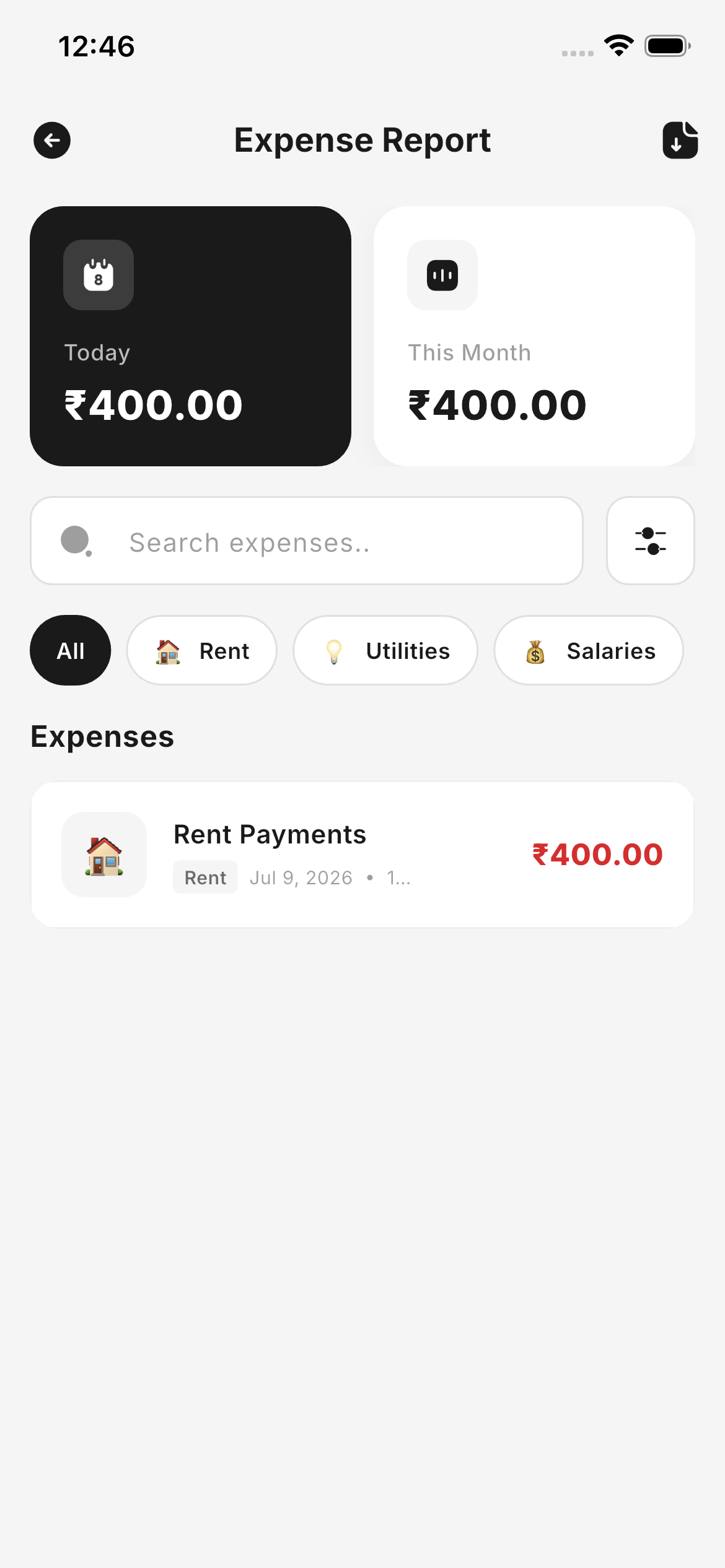
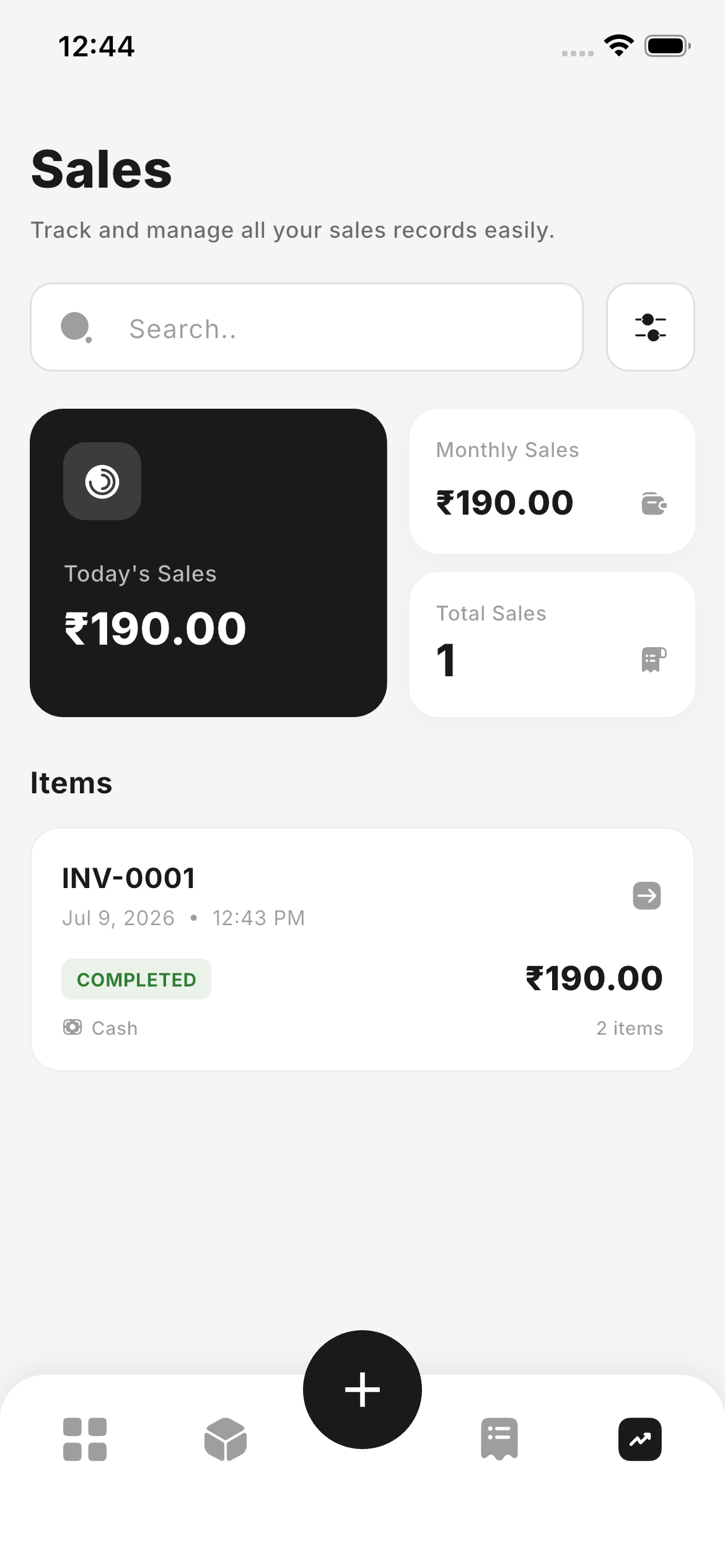
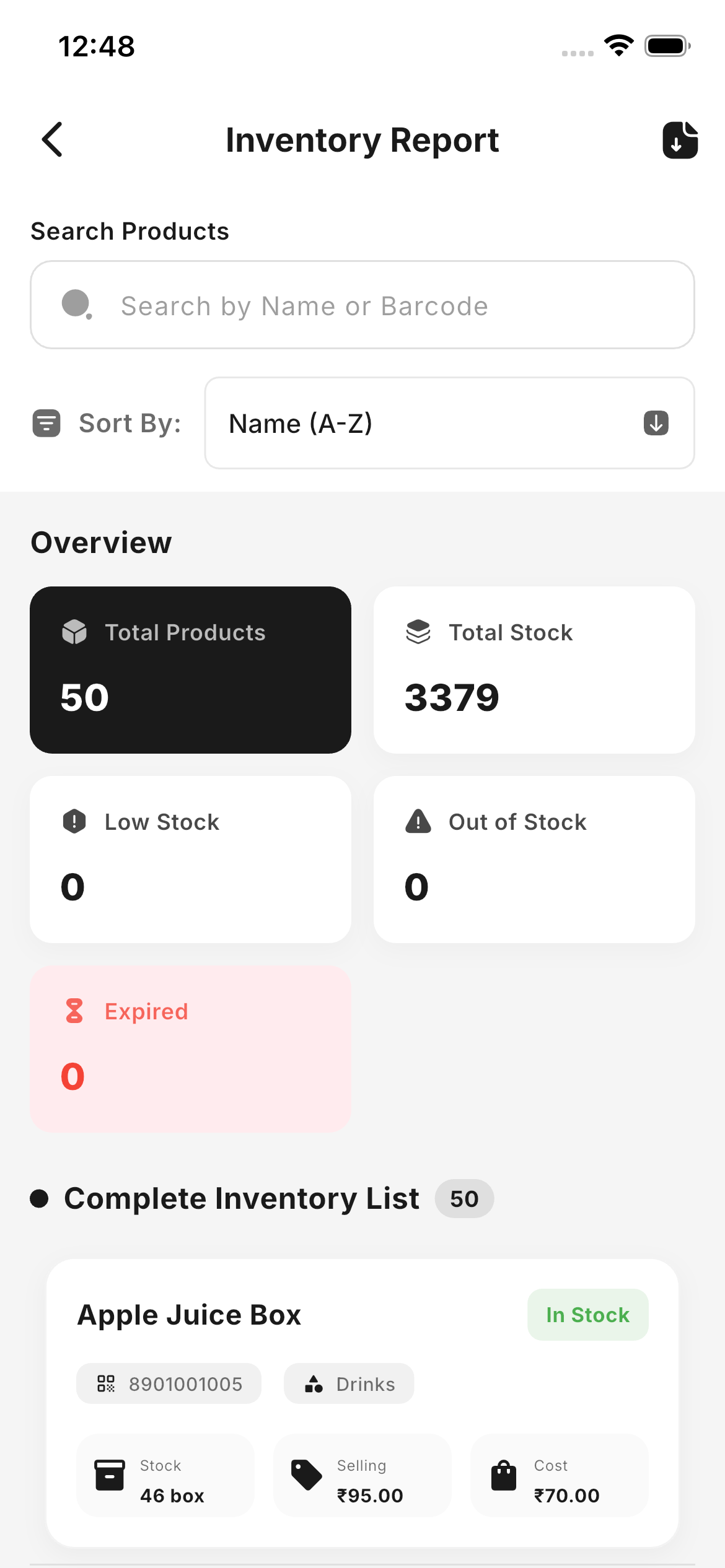
A dashboard summarises today, this month and all-time at a glance. Drill into sales, inventory and expense reports filtered by date — right down to a single transaction.
- Live sales dashboardToday's revenue, monthly totals and items sold.
- Inventory & profitStock value, COGS and gross profit after every sale.
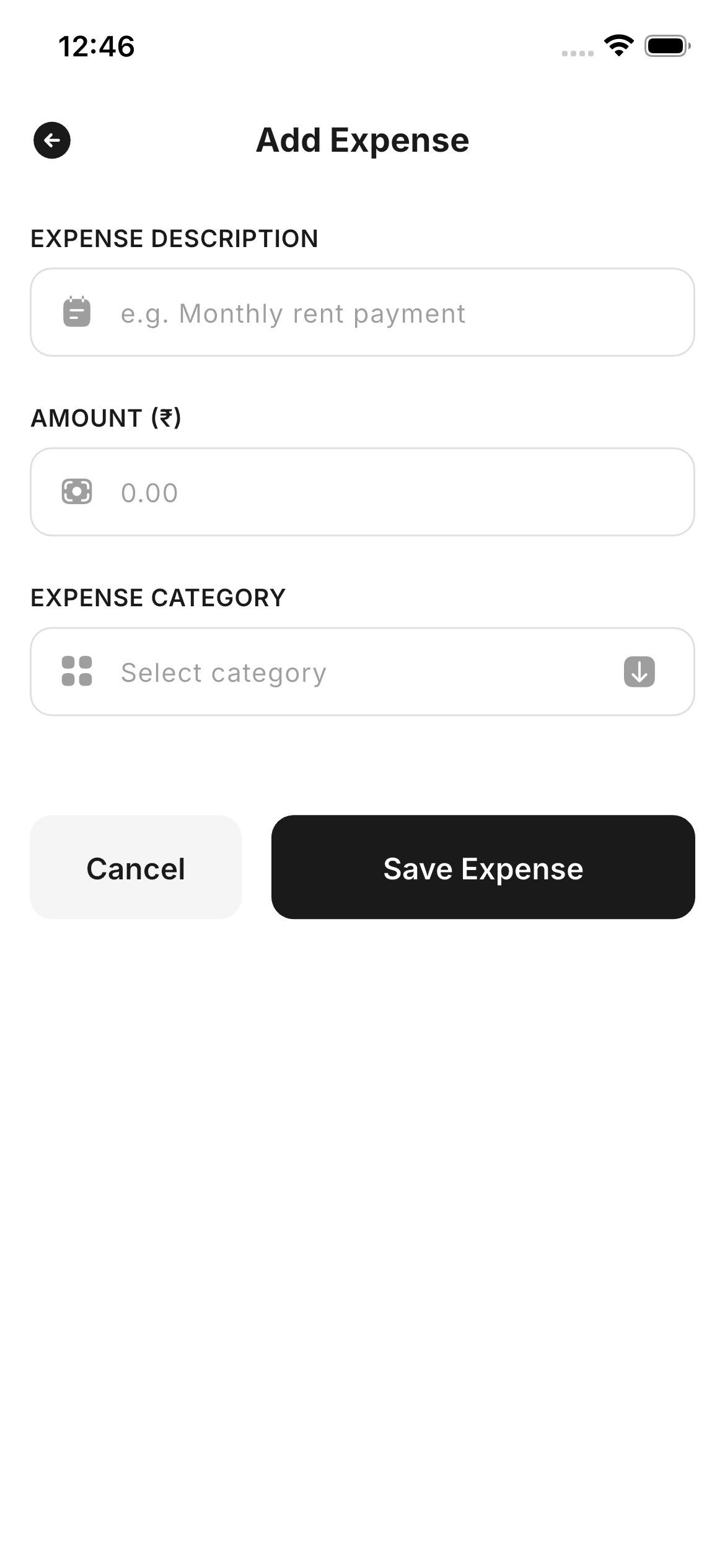
- Expense trackingLog business costs and review a dated expense report.
- Searchable historyFilter by date, payment method or amount instantly.
Save the cart. Hold the stock.
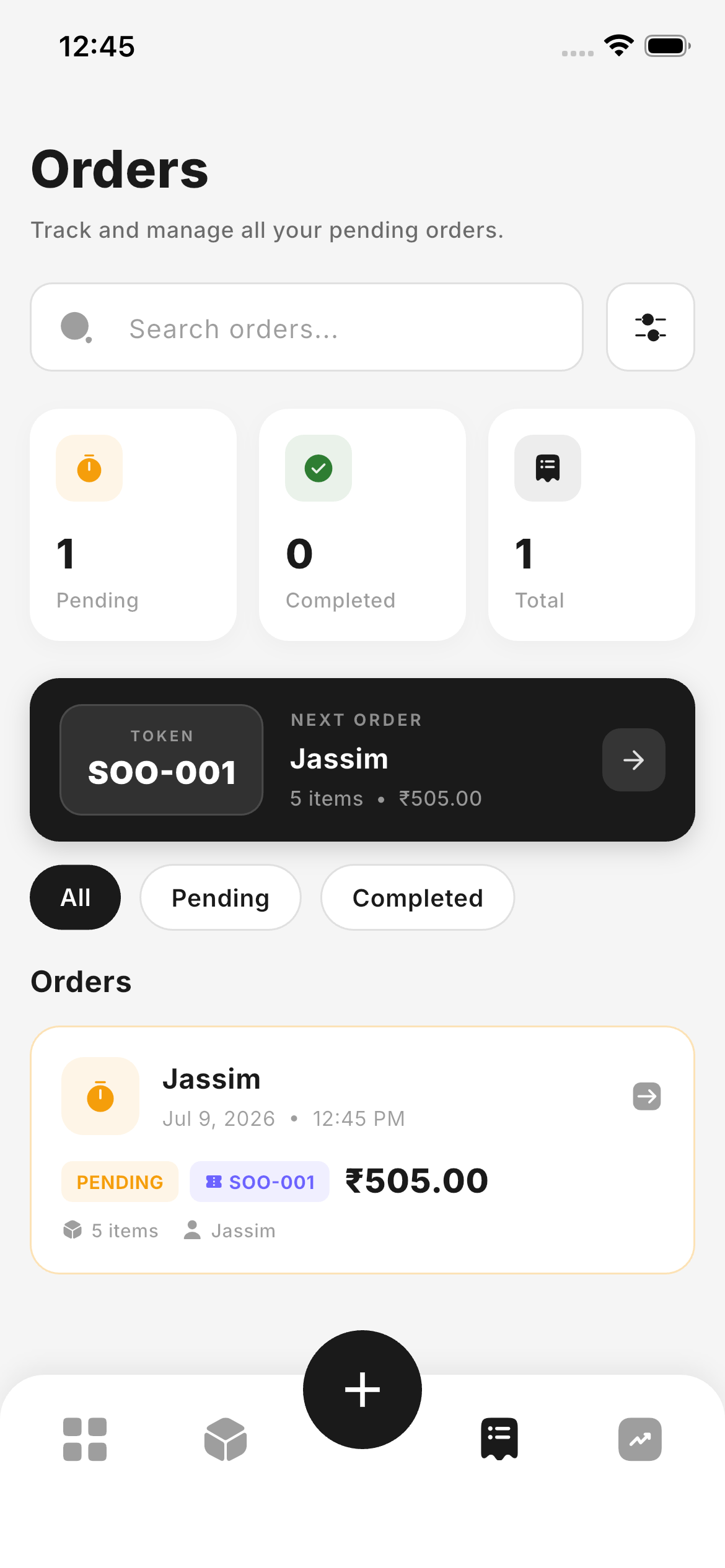
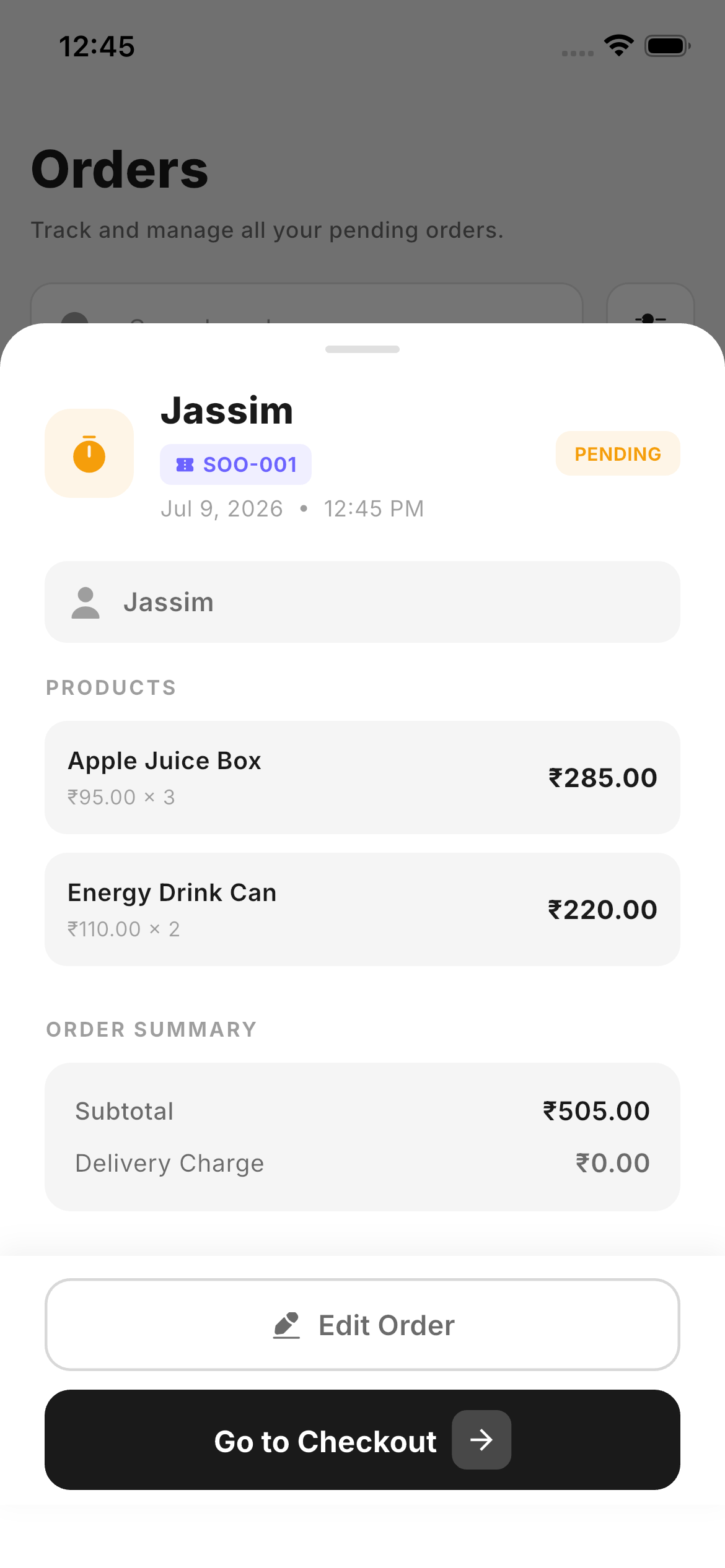
Customer stepped away? Park the cart as a pending order without deducting stock. Each order gets a unique token, stays editable, and converts to a completed sale in one tap.
- Pending order queueHold carts while stock stays live for other customers.
- Token-based systemA unique identifier keeps every parked order separate.
- Editable on the flyAdd, remove or re-quantify items after parking.
- One tap to completePayment, invoice and deduction all happen together.
No scanner gun. No receipt printer setup.
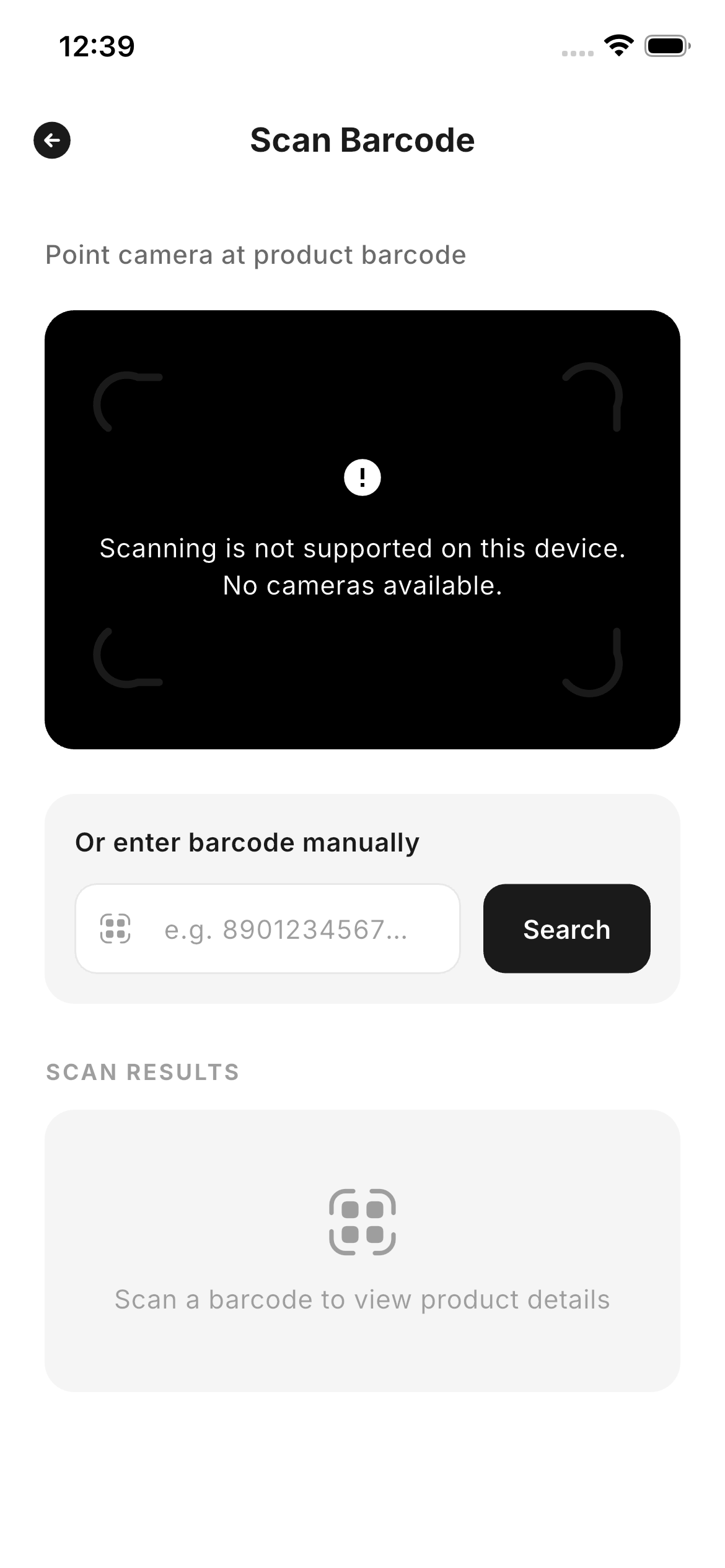
The camera becomes your barcode scanner and any Bluetooth thermal printer becomes your receipt station — branded with your store name, address and logo.
- Camera barcode scanningIdentify a product and drop it into the cart in milliseconds.
- Bluetooth thermal printingPair once and print professional receipts in a tap.
- PDF & WhatsApp invoicesShare a branded invoice digitally when paper isn't needed.
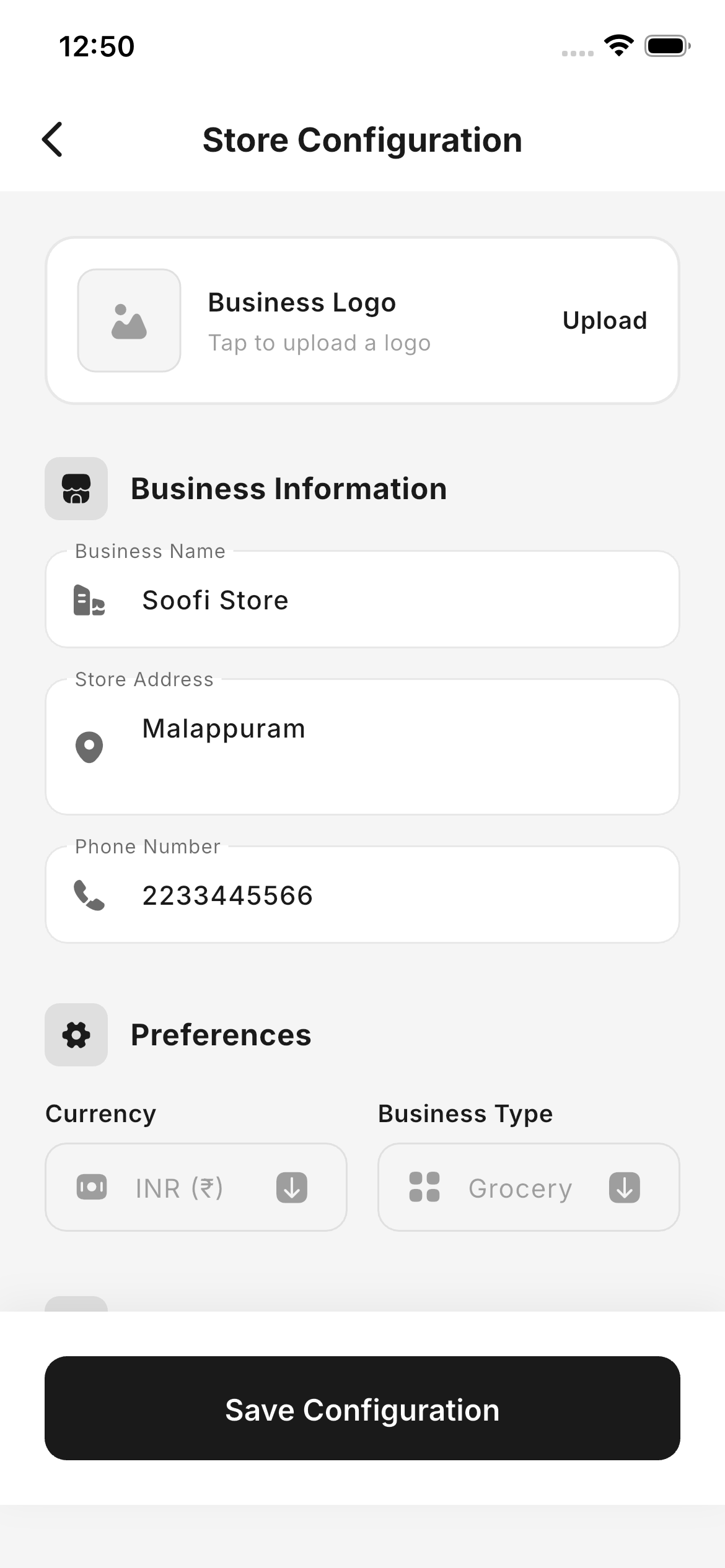
- Store brandingLogo, store name and address on every receipt you issue.
Configured once. Then out of your way.
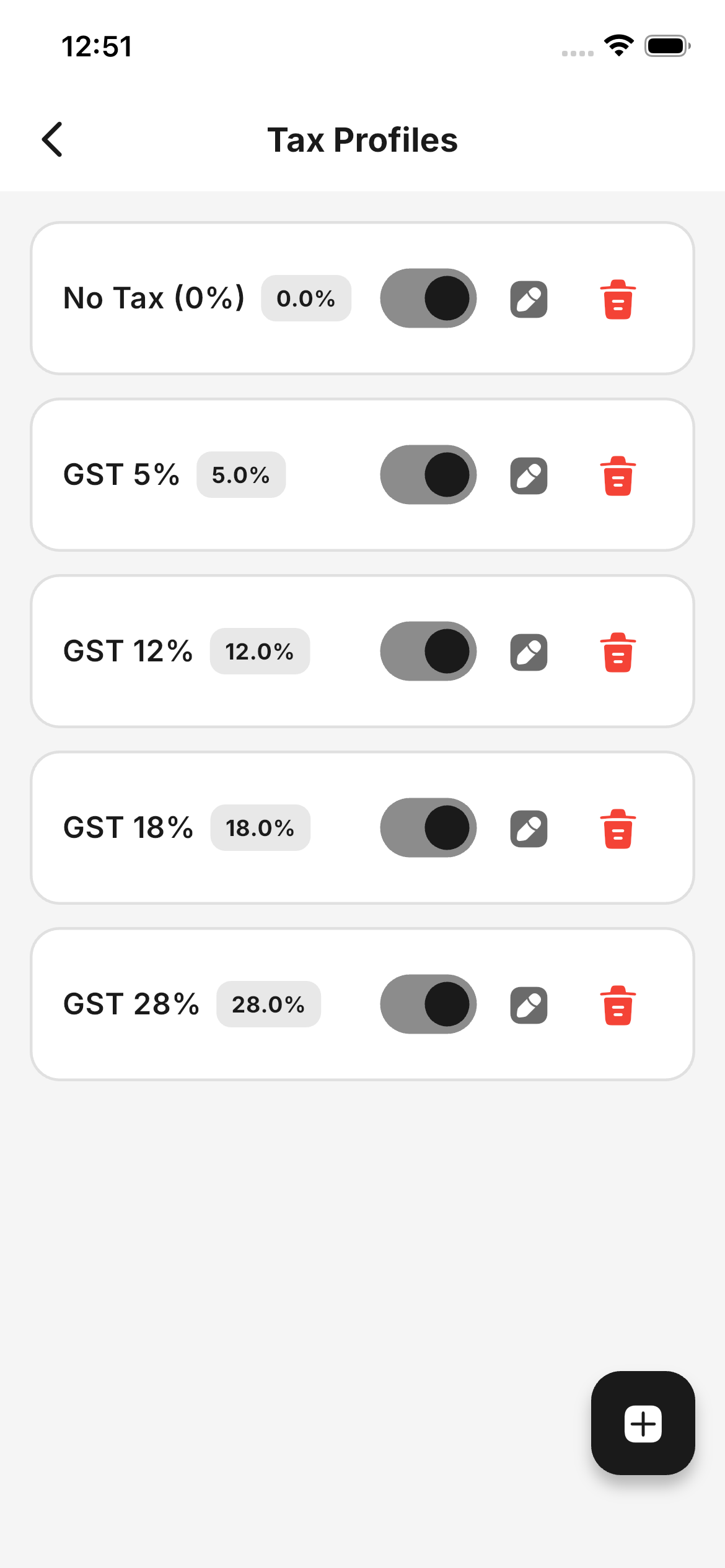
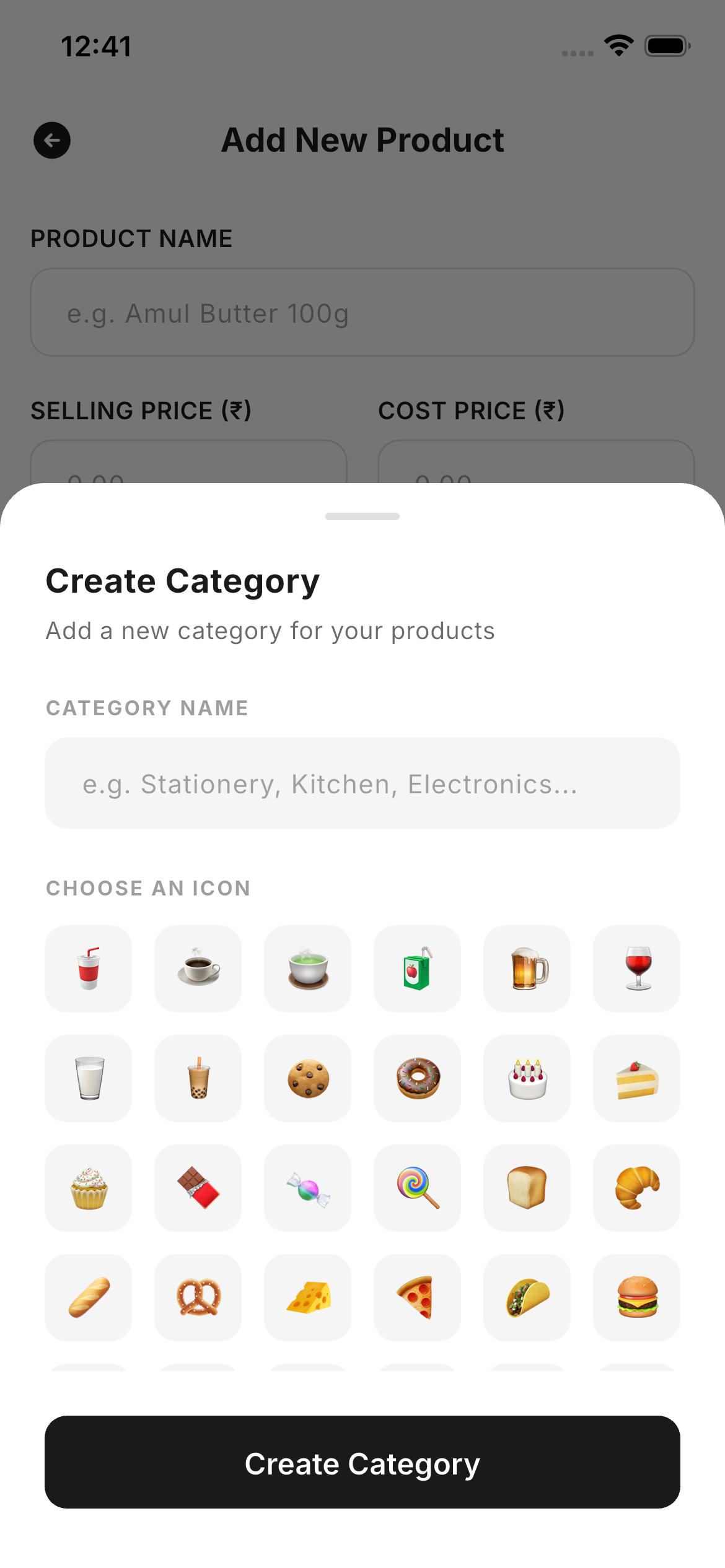
Register your business, create categories with auto-suggested emoji icons, build reusable GST or VAT tax profiles, and import your catalogue — most stores are live within an afternoon.
- Custom tax profilesGST, VAT or bespoke rates assigned per product.
- Smart category iconsType a category name and get a matching emoji instantly.
- Guided product importMap spreadsheet columns and bring your catalogue over.
- Backup & restoreMove to a new phone without losing a single record.
A closer look.
Ready to run your counter on Emeron?
Start free for 7 days — no card, no setup fee, no internet required.